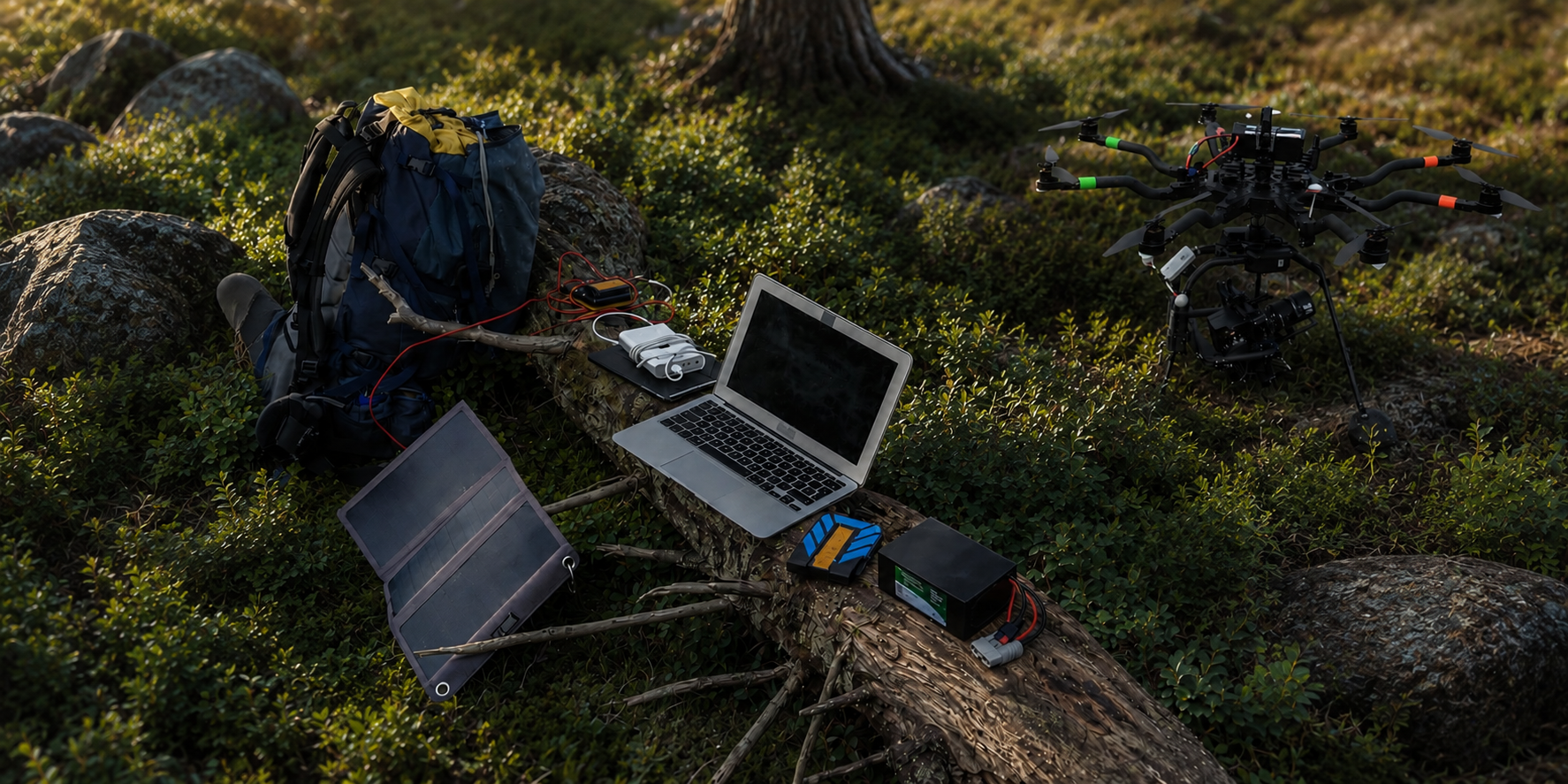
Modern camera and drone workflows are ridiculously power-hungry. Even small crews end up charging a stack of drone flight batteries, camera batteries, audio packs, lights, a monitor, and at least one laptop. If you shoot outdoors or bounce between locations, the real problem is not “having power.” The problem is having quiet, reliable power that matches your workflow and does not turn into a cable-and-adapter disaster.
This guide walks through a practical, real-world approach to building a creator-friendly field power kit using Lithium Iron Phosphate (LiFePO4) batteries including quick capacity math, inverter sizing, and a shoot-day checklist. The goal is simple: stop losing time to charging chaos and stop gambling with expensive gear.
Portable LiFePO4 power for photography: what you are really trying to solve
The three things that fail first on set: charging, connectors, and capacity
Most “field power” failures are not because the battery is bad. They happen because:
- Charging is not planned: you arrive with half-charged packs, or you do not have a way to recharge between locations.
- Connectors do not match: the battery is fine, but you cannot connect your charger, your inverter, or your DC devices quickly.
- Capacity is guessed: you bought a battery based on a vague idea of “bigger is better,” then discovered your laptop and monitor eat it alive.
If you fix those three issues, almost any on-location shoot becomes calmer and more predictable.
Quiet matters: why creators keep replacing generators
Gas generators solve one problem and create three more: noise, fumes, and logistics. They also create social friction. If you are shooting near people, at events, in parks, or in quiet environments, the generator becomes the story.
LiFePO4 power is quiet, clean, and easy to run in a vehicle, a tent, or a small staging area. It is also modular: you can scale your setup to the shoot instead of dragging the same generator everywhere.
A quick reality check on “power stations” vs modular battery kits
All-in-one power stations are a convenient option, but limit power storage. In practice, they're great for a short shoot with a small amount of gear, but for longer, more complex shoots, many creators opt for higher-capacity options, and a standardized set of adapters and chargers that work across projects without surprises.
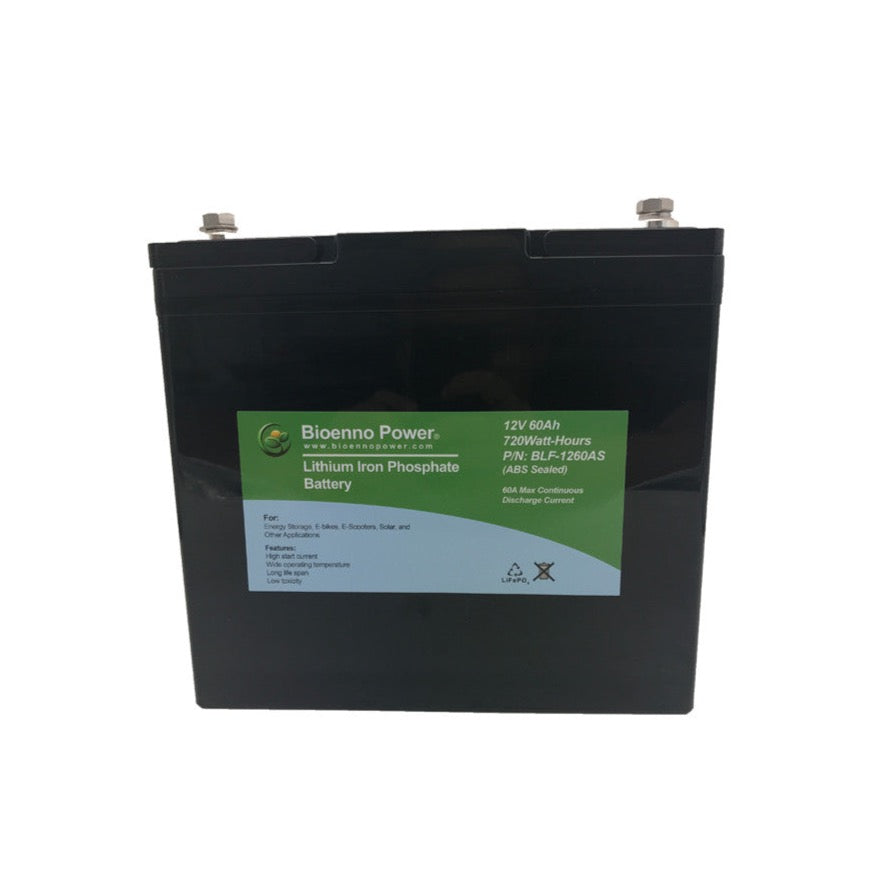
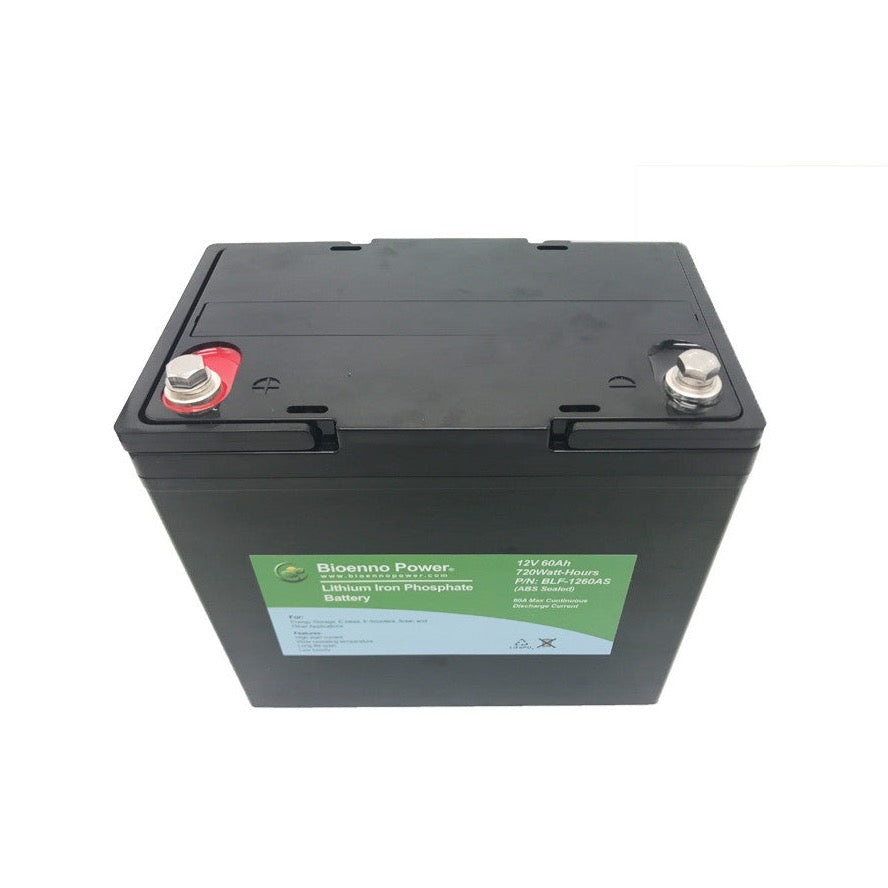
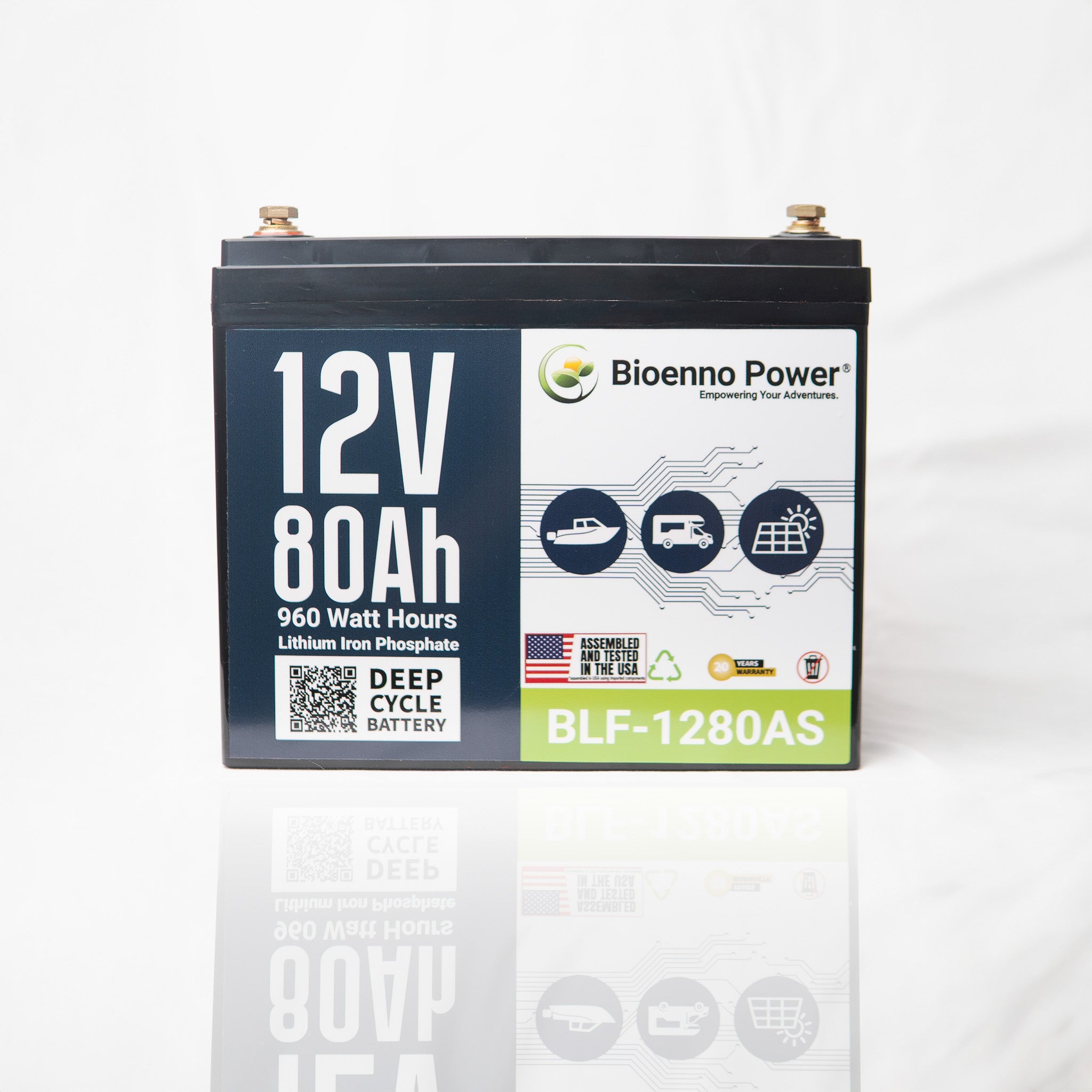
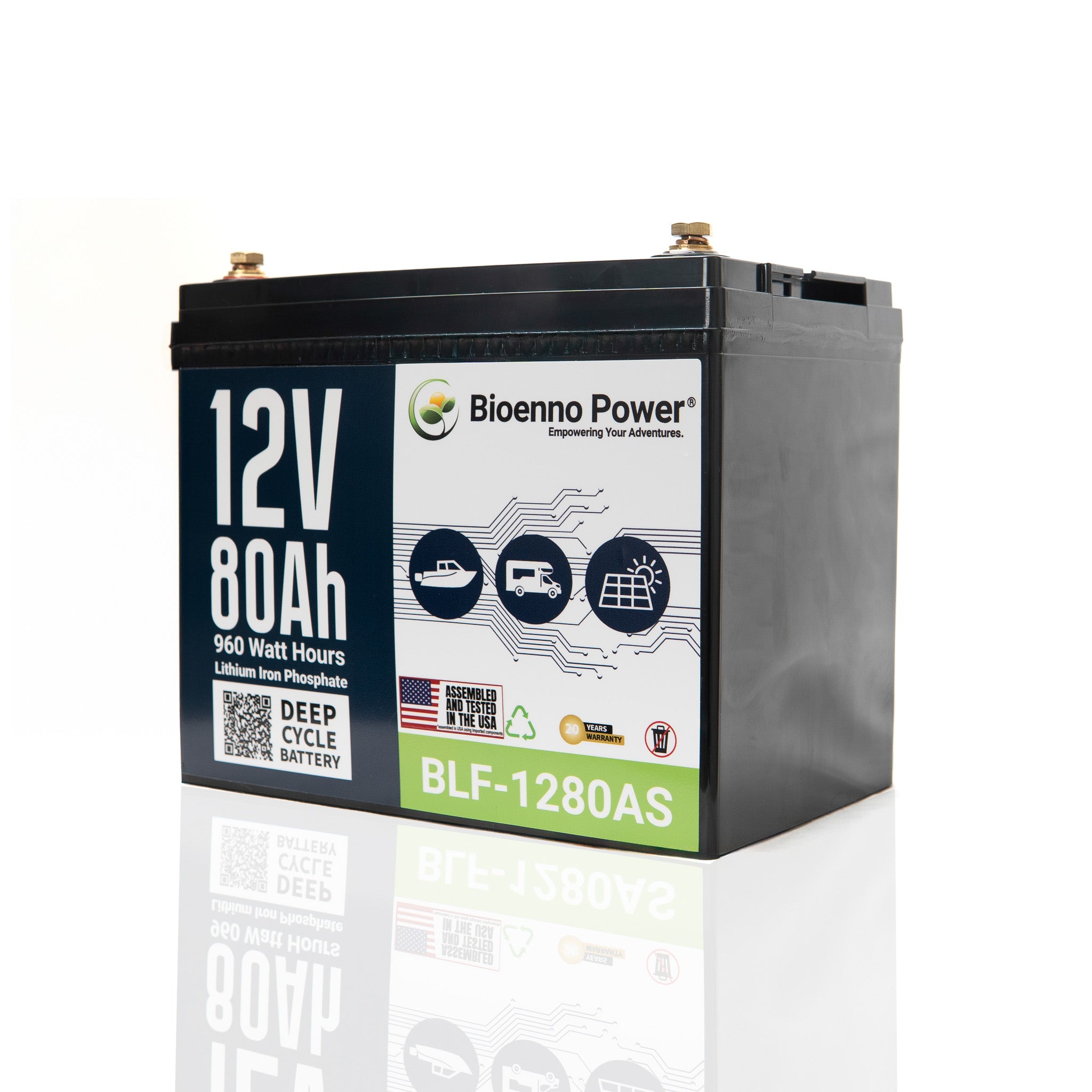
A modular approach can be more flexible. LiFePO4 chemistry also holds up to far more charge cycles than standard lithium-ion, which matters when you are recharging every single day. Bioenno Power's lineup covers a range of battery sizes and styles, so you can match the kit to how you shoot.

Capacity planning without guesswork: watt-hours, amp-hours, and your shoot-day load
A simple way to estimate your daily energy use (without spreadsheets)
You do not need perfect math. You need a reasonable estimate.
Start by identifying the top 3 things you must recharge (often drone batteries, camera batteries, and a laptop). Then look at the charger wattage (or the power brick rating) and estimate how many hours you will realistically charge that device that day. Finally, add a buffer.
Example (simple): if your laptop charger is 90W and you expect to charge it for 2 hours, that is roughly 180Wh.
If you want to go one level deeper, energy is commonly expressed as watt-hours (Wh). A common way to estimate it is:
Wh = Watts x Hours.
That is usually good enough to plan a shoot-day kit.
Where creators under-estimate power: laptops, monitors, and “always-on” accessories
Creators often focus on drone flight batteries and forget the “quiet drains” that run all day: laptop charging (especially if you are editing or offloading footage), external monitors and wireless video systems, hotspots or small routers, and LED lights that stay on longer than planned.
These add up. The fix is not panic-buying the biggest battery. The fix is designing a kit around your actual workflow.
A practical buffer rule to avoid mid-shoot shutdowns
For real-world reliability, treat your estimate as a baseline and add a buffer. A practical rule is +25% for normal shoots, and +40% if you are shooting in cold weather, doing heavy laptop work, or cannot recharge between locations.
That buffer is what keeps you from making desperate decisions late in the day.
Inverter sizing and clean power: how to avoid frying expensive gear
When you need an inverter and when you do not
You need an inverter when you must power AC devices. The most common examples are laptop chargers that only accept AC input, AC battery chargers for cameras or drones, and small AC lights or accessories.
You may not need an inverter if most of your kit can charge via DC or USB-C. Inverter-free kits can be more efficient because every conversion step loses energy.
Sine wave basics (and why “modified” can be a headache)
Many creators have learned this the hard way: not all inverters behave nicely with sensitive electronics. A pure sine wave inverter is the safer default when you are charging expensive batteries and running laptops.
If you are unsure, start with the principle: protect the gear that costs the most to replace. For additional background on lithium charging fundamentals, see Battery University’s article on Charging Lithium Iron Phosphate.
Heat, surge, and cable gauge: the hidden reliability factors
Even a high-quality battery can feel unreliable if the supporting pieces are wrong.
Watch for:
- Surge power: some chargers pull more power at startup than their label suggests.
- Heat: hot inverters and hot cables waste power and shorten equipment life.
- Cable gauge and length: long, thin cables cause voltage drop, which can lead to odd charger behavior.
If your system runs cool and your cables are sized correctly, you will get more usable power from the same battery.

A creator-ready field kit: battery, charger, and adapters that actually travel well
Battery form factors: light and portable vs long-runtime
It helps to think in “shoot categories.” For a short run-and-gun shoot, prioritize light weight and fast setup. For a full-day shoot, prioritize runtime and the ability to recharge multiple drone packs. For multi-day trips, prioritize a predictable overnight recharge plan.
If you need to standardize, choosing the right capacity is easier when you can compare portable LiFePO4 batteries side by side before committing to a battery.
Example: a complete off-grid shoot kit built around the Bioenno BLF-1240A. The BLF-1240A is a 12V, 40Ah battery with 480Wh of total capacity, Anderson Powerpole connectors, and built-in protection circuitry. For a realistic full-day shoot, the load breaks down roughly like this: four drone flight packs recharged via a 50W AC charger (~210Wh), a laptop running for 1.5 hours at 90W (~135Wh), and four mirrorless camera batteries (~30Wh). That totals about 375Wh before the buffer. Add 25% and you land at ~470Wh, which fits within the BLF-1240A's capacity with room to spare. The compatible Bioenno BPC-1510A (10A AC-to-DC charger) brings the battery back to full overnight in roughly four hours. Pair that with a 300W pure sine wave inverter for AC devices and you have a complete, repeatable off-grid system in a kit that weighs under 12 pounds.
Charging strategy: overnight, in-vehicle, and between locations
Your battery is only as useful as your ability to recharge it.
The most creator-friendly approach is to do an overnight recharge at home, a hotel, or a safe indoor location using a compatible charger, then take advantage of top-off windows between locations. Even 20 to 30 minutes of charging can make the end of the day much less stressful.
If you are building a kit, plan your charger alongside the battery rather than as an afterthought. Matching the right charger to your battery voltage and connector type is one of the easiest ways to avoid problems on set.
Connector discipline: label, standardize, and pack spares
Creators who rarely run into power problems on set do one boring thing consistently: they standardize connectors.
That means labeling cables and adapters (and keeping one set in the kit permanently), packing a spare for the one adapter that would ruin the shoot if it fails, and keeping the charging layout consistent so anyone on the crew can plug things in correctly.
This is not glamorous, but it is how you avoid the 20-minute “why will this not charge” spiral.
The shoot-day checklist: keep your camera + drone workflow powered all day
Pre-flight: drone and camera charge plan, spares, and one rule to follow
Use this quick checklist before you leave:
- Battery capacity chosen for the shoot (estimate + buffer)
- Chargers packed for drones, camera batteries, and laptop
- One spare adapter for the most important connection
- Inverter tested (if you use one)
- A simple charging priority order decided in advance
This is the difference between “we will figure it out” and “we have a plan.”
On location: a simple power cadence that keeps you ahead
Instead of charging randomly, use a cadence. As soon as a drone battery comes off the drone, put it into a “to charge” queue. Charge in batches, and keep one set of packs “ready now,” one set “charging,” and one set “cooling/down time.”
That structure reduces stress and reduces mistakes.
Post-shoot: storage, top-off charging, and battery health habits
When you get home, do a quick reset. Top off what you need for tomorrow, store batteries and chargers together so the kit stays complete, and keep basic warranty and support info accessible so you are not searching in a panic later.
If you are buying equipment for professional use, it is worth understanding the warranty terms before you rely on it for paid work.
Final thought: The best portable power setup is the one you can repeat. When your kit is predictable, your shoot is calmer, your turnaround is faster, and your gear is safer. If you are ready to build a modular LiFePO4 kit around your workflow, start by choosing a battery size that matches your shoot-day estimate, then pair it with the right charger and connectors. If you need help deciding what battery will work best for you, contact Bioenno Power.