Got a free Victron SmartShunt 300A with your Bioenno Power LiFePO4 order and not sure where to begin? Good news. The install is straightforward once you understand the logic behind it. This guide walks you through wiring the shunt on the negative side of your battery bank and dialing in the VictronConnect app so your readings are accurate from the first charge cycle. Doesn't matter if you're running a trolling motor out on the water, boondocking in an RV, or keeping a ham radio station alive through Field Day. The process is the same.
What the Victron SmartShunt Does and Why It Matters for LiFePO4
A Victron SmartShunt is a battery monitor that measures all current flowing in and out of your battery bank through a precision resistor, then calculates state of charge, time remaining, and historical data. All of it is viewable in the VictronConnect app over Bluetooth without a separate display. No wired screen required. Just your phone and a Bluetooth connection.
How a shunt measures current and state of charge
The shunt is a low-resistance precision resistor. Every amp that flows in or out of your battery passes through it, and the SmartShunt measures the tiny voltage drop across that resistor to calculate current. Over time, it integrates those measurements to track how much capacity has been used. Simple concept, but accuracy depends entirely on two things: correct wiring and correct configuration.
Why LiFePO4 needs different settings than lead-acid
LiFePO4 chemistry behaves very differently from lead-acid. The voltage curve is almost flat across most of the discharge range, which makes voltage alone a poor indicator of state of charge. The SmartShunt's coulomb-counting method handles this well, but only if the charged voltage threshold and tail current settings match LiFePO4 behavior rather than the lead-acid defaults the monitor ships with. Use the defaults and the monitor will sync at the wrong moment, throwing off readings for the rest of the day. You can browse Bioenno Power LiFePO4 batteries that qualify for the SmartShunt bundle to confirm which models are included before you begin.
What You Need Before You Start
Gather everything before you touch any wiring. A missing tool mid-installation means a live circuit sitting open longer than it needs to be.
- Victron SmartShunt 300A (included with qualifying Bioenno Power orders; confirm bundle terms with Bioenno support)
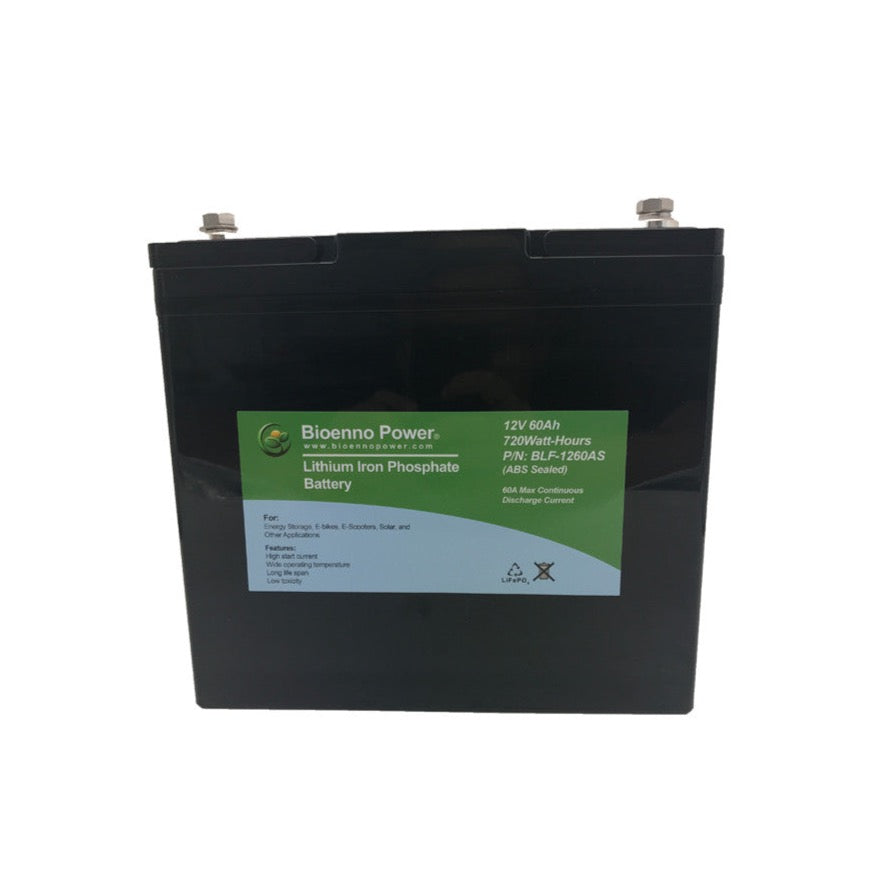
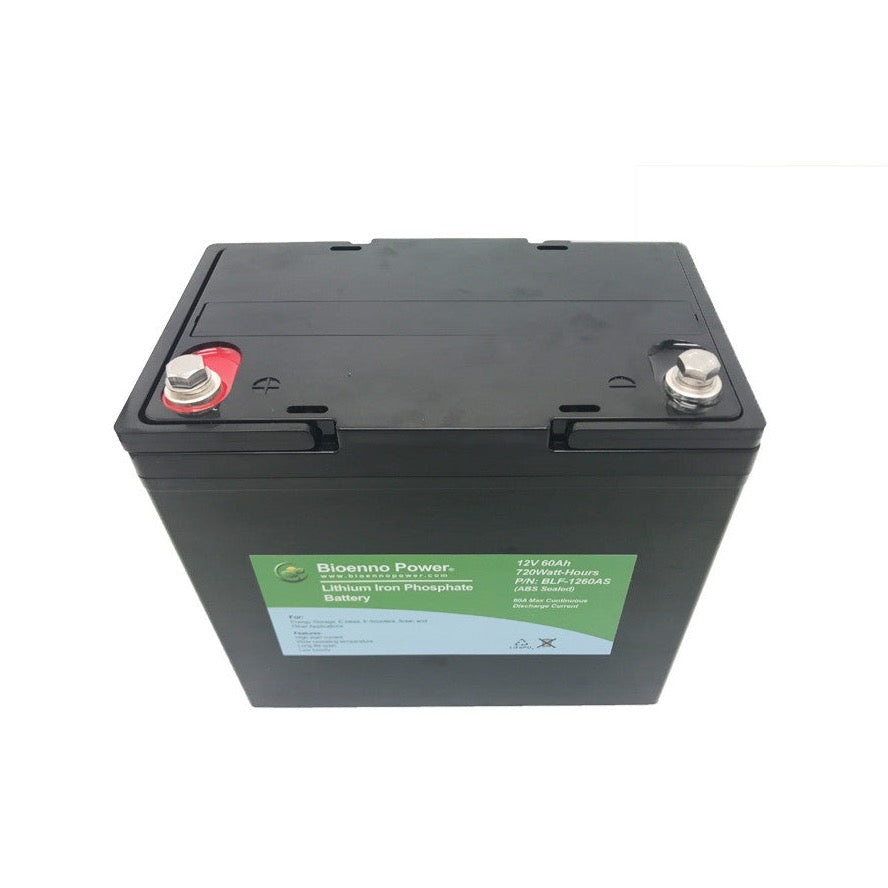
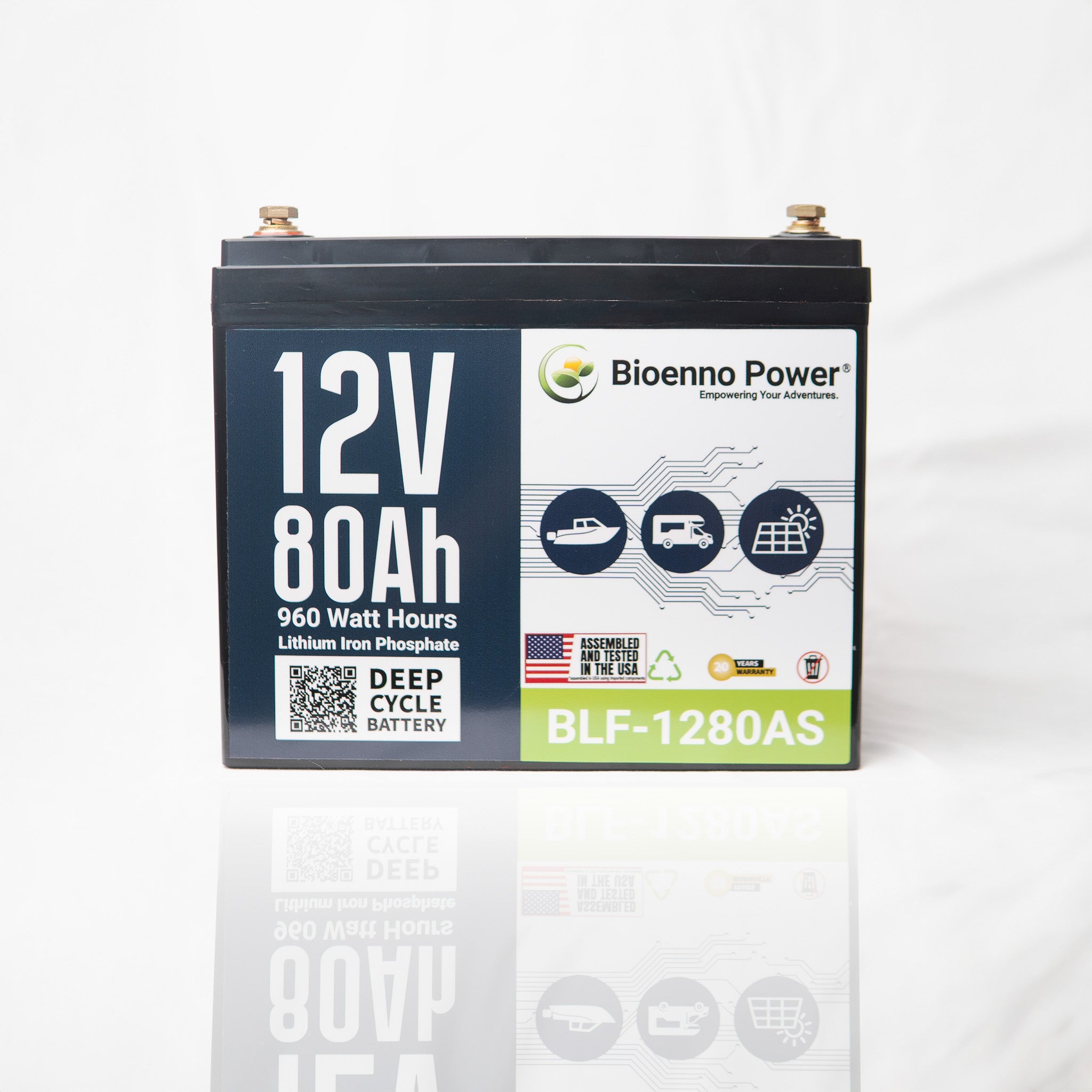
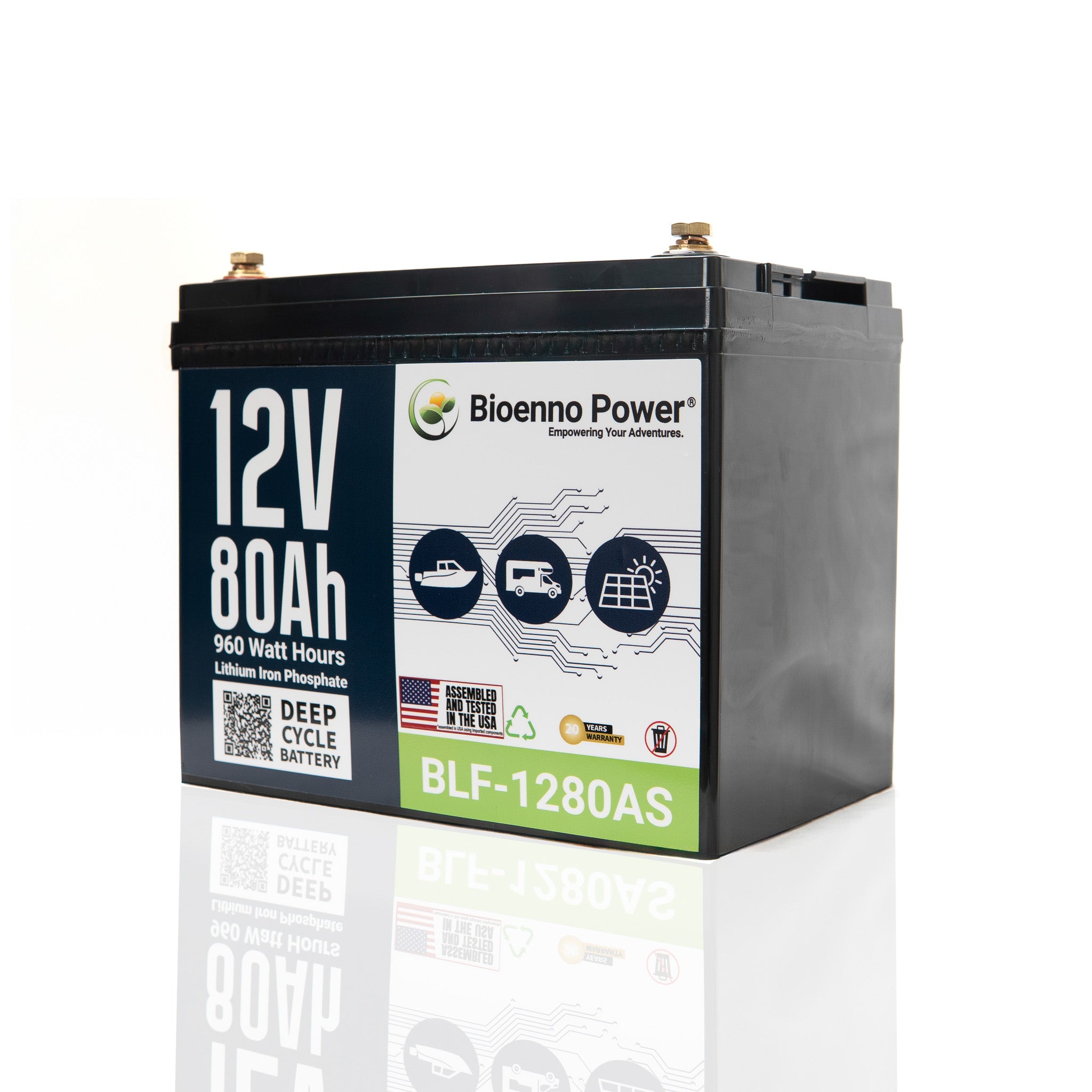
- Bioenno Power LiFePO4 battery bank (BLF-1280AS x2 or more, BLF-2450AS, BLF-3650AS, or another qualifying model)
- Appropriately sized negative cable from the battery to the shunt's BATTERY terminal
- Negative cables from all loads and chargers; these move to the shunt's LOAD terminal
- The small red power wire (included with the SmartShunt) for the electronics supply connection
- Ring terminals and a crimping tool sized for your cable gauge
- A torque wrench or screwdriver appropriate for the shunt's terminal hardware
- A smartphone with the free VictronConnect app installed (iOS or Android)
- A multimeter for verifying polarity before making final connections

How to Wire the SmartShunt on the Negative Side of Your Battery Bank
The SmartShunt installs in series on the negative cable between the battery's negative terminal and the rest of the system. The battery negative connects to the terminal marked BATTERY, and all load and charger negatives connect to the LOAD side. This ensures every amp flowing in or out is measured accurately. Getting this backwards, or leaving any load connected directly to the battery negative, will cause missed current readings and an unreliable state of charge.
Connecting the main negative cable from the battery
Disconnect the positive terminal first. That reduces shock risk before you start working on the negative side. Run your main negative cable from the battery's negative terminal to the large stud on the shunt labeled BATTERY, crimp a properly sized ring terminal onto the cable, slide it onto the stud, and torque it to the spec in the SmartShunt manual. Loose connections here introduce resistance that throws off current readings. Don't skip the torque step.
Connecting the load negative and the small red power wire
Every negative wire that was previously connected directly to the battery's negative terminal now moves to the LOAD stud on the opposite side of the shunt. Trolling motor. Inverter. Solar charge controller. Shore power converter. Radio. Lights. All of them. If even one load bypasses the shunt, those amps won't be counted and the state of charge will drift over time.
The small red wire connects from the shunt's electronics port to the positive side of the battery (through an inline fuse, as specified in the Victron documentation). This powers the shunt's measurement circuitry. Without it, the Bluetooth module won't power on and nothing will appear in the VictronConnect app.
Application notes for boat, RV, and ham radio installs
On a boat, the bilge pump negative is easy to overlook. It often runs to a separate ground bus, and if that bus connects directly to the battery negative rather than through the shunt, bilge pump current won't be counted. Trace every negative path before calling the wiring complete.
RV installs have their own wrinkle: the converter charger and any solar charge controller both carry significant current. Both need to route through the LOAD side of the shunt so charging current is counted as accurately as discharge current. For ham radio portable setups, the transceiver's negative and any power supply or charger negative both route through the shunt. Questions specific to your installation? Contact Bioenno Power technical support before finalizing the wiring.
Configuring the SmartShunt in the VictronConnect App for LiFePO4
Open VictronConnect, tap the SmartShunt in the device list, go to Settings, and update the battery capacity to match your total bank size. Then adjust the charged voltage, tail current, and charge efficiency factor to values appropriate for LiFePO4 chemistry. Confirm the exact recommended figures with Bioenno Power support before publishing or relying on any specific parameter values. The correct numbers depend on your exact battery model and bank configuration.
Setting battery capacity to match your Bioenno bank
Battery capacity in the app should reflect your total usable bank in amp-hours. Two BLF-1280AS units wired in parallel give you a combined capacity that the monitor uses as its reference point for all percentage calculations. Enter the wrong number here and every reading downstream will be proportionally off. If you're unsure of the exact figure for your configuration, check the product documentation or reach out to Bioenno Power support.
Entering LiFePO4 charge parameters — confirm values with Bioenno support before publishing
Three settings control when the SmartShunt decides the battery is fully charged and resets state of charge to 100%. The charged voltage threshold tells the monitor what voltage to watch for. The tail current setting tells it how low the charge current must drop before the battery is considered full. The charge efficiency factor accounts for the small amount of energy lost during charging. LiFePO4 values for all three differ from lead-acid defaults. Do not use the default values. Confirm the correct figures for your specific Bioenno Power battery model directly with their support team before entering them.
Syncing state of charge after a full charge
Once the settings are entered, perform a full charge cycle with your LiFePO4-compatible charger. When the charger finishes and the SmartShunt detects that the charged voltage and tail current thresholds have both been met, it will automatically reset state of charge to 100%. That first sync is the baseline everything else builds on. Skipping a full charge before your first use means the monitor starts with an estimated rather than a measured reference point.
- Open VictronConnect and tap the SmartShunt in the device list
- Navigate to Settings and select Battery
- Enter your total bank capacity in amp-hours (confirm with Bioenno support for your specific model combination)
- Set the charged voltage threshold appropriate for LiFePO4 (confirm exact value with Bioenno support)
- Set the tail current percentage appropriate for LiFePO4 (confirm exact value with Bioenno support)
- Adjust the charge efficiency factor for LiFePO4 chemistry (confirm exact value with Bioenno support)
- Save settings and perform a complete charge cycle to sync state of charge to 100%

Verifying the Monitor Reads Correctly After Setup
After the first full charge sync, watch the VictronConnect dashboard for a few minutes with a known load running. Current draw should appear as a negative number (amps out). Charging current should appear as a positive number (amps in). Reversed signs mean the battery and load cable connections are swapped at the shunt. Swap them and re-sync.
Performing a full charge sync to reset state of charge to 100%
The sync happens automatically. No button to press. Charge the battery fully with a LiFePO4-compatible charger, leave it connected until the charger reports complete, and watch the app. State of charge should roll to 100% on its own. If it doesn't, the charged voltage or tail current thresholds may need adjustment, which is another reason to confirm those values with Bioenno Power before your first use.
Checking current direction and historical data
The History tab in VictronConnect shows deepest discharge, number of charge cycles, and cumulative amp-hours in and out. These numbers are useful for understanding actual usage patterns over time. For anglers and RVers running the same routes repeatedly, historical data quickly reveals whether the bank is sized right for a typical day's load. You can explore 12V Bioenno Power LiFePO4 batteries compatible with the SmartShunt setup if you're considering adding capacity to your bank.
Setup Tips for Specific Applications
Marine and trolling motor setups
Trolling motors pull high current in bursts, and the SmartShunt handles that well. The bigger concern on a boat is the ground bus. Many center consoles and bass boats use a common negative bus bar that ties multiple loads together, and if that bus bar connects directly to the battery negative rather than through the shunt, none of those loads will be counted. Reroute the bus bar's negative feed through the LOAD side of the shunt. For 24V Bioenno Power batteries used in larger trolling motor systems, the same wiring principle applies. The shunt goes on the negative side regardless of system voltage.
RV and van life systems
RV systems often have multiple charging sources: solar, a converter charger on shore power, and sometimes an alternator-based charger. All three charge currents need to pass through the LOAD side of the shunt to be counted. Miss even one source and the monitor thinks the battery is discharging when it's actually being charged. The result is a state of charge reading that slowly drifts lower even on sunny days at a full hookup site.
Ham radio and Field Day portable power
Portable setups benefit most from accurate state of charge monitoring because there's no easy way to recharge mid-event. Knowing you have four hours of runtime left at current draw is far more useful than watching a voltage number that barely moves until the battery is nearly depleted. LiFePO4's flat discharge curve makes voltage-based estimation nearly useless for field operations. The SmartShunt's coulomb-counting approach solves that problem directly. LiFePO4 batteries built for ham radio and Field Day use pair naturally with the SmartShunt for exactly this reason.
FAQ
Do I need to buy a separate display for the Victron SmartShunt?
No. The SmartShunt connects to the free VictronConnect app on your smartphone via Bluetooth. You can view all readings, adjust settings, and check historical data without any additional hardware. An optional Victron display accessory exists if you prefer a dedicated screen, but it is not required.
Can I use the SmartShunt with batteries wired in parallel or series?
Yes. The SmartShunt monitors the entire bank as a single unit regardless of how the individual batteries are wired. For a parallel bank, set the total combined capacity in the app. For a series bank (such as two 12V batteries wired in series for 24V), set the capacity of one battery since the series connection does not increase amp-hour capacity. Confirm the correct capacity value for your specific configuration with Bioenno Power support.
Why does my SmartShunt show the wrong state of charge after I first power it on?
The monitor needs a full charge cycle to establish its first accurate sync point. Until it sees the configured charged voltage and tail current thresholds met simultaneously, it estimates state of charge from the battery's resting voltage, which is imprecise for LiFePO4. Perform a complete charge with a LiFePO4-compatible charger and the state of charge will reset to 100% automatically once the sync conditions are met.
Which Bioenno Power batteries qualify for the free SmartShunt bundle?
The brief mentions the BLF-1280AS (two or more units), BLF-2450AS, and BLF-3650AS as qualifying models, but bundle terms can change. Confirm current eligibility directly with Bioenno Power support before placing your order or making purchasing decisions based on the bundle.